My Bird Recording Journey
I remember the first time I tried to record a blackbird's song in my backyard. I just held my phone up, hit record, and ended up with a file full of wind noise, distant traffic, and a very faint, tinny chirping that sounded nothing like the rich, fluty melody I was hearing. It was frustrating. I figured there had to be a better way.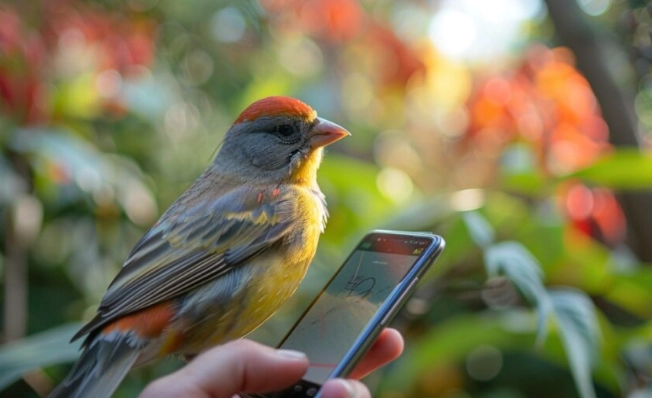
And there is. Learning how to record birdsong on your phone is one of the most rewarding little skills you can pick up. It turns your daily walk or time in the garden into a treasure hunt for sounds. You don't need to be a tech whiz or spend hundreds on equipment. With a few simple tweaks and the right approach, your smartphone can become a powerful pocket-sized nature recorder.
This guide is everything I wish I'd known when I started. We'll walk through the apps, the techniques, the cheap gear that actually helps, and how to avoid the common pitfalls that ruin recordings.
Why Bother Recording Birds with Just a Phone?
Before we dive into the how, let's talk about the why. A dedicated digital recorder and a shotgun microphone are fantastic, but they're also bulky, expensive, and frankly, intimidating for a beginner. Your phone is always with you. That spontaneity is key. When you hear that strange, beautiful call you don't recognize, you can capture it instantly.
It's perfect for creating an audio nature journal, helping you learn to identify birds by ear (which is often easier than by sight), or simply preserving a beautiful moment. For citizen science projects, a clear phone recording can be incredibly valuable. Platforms like eBird, run by the Cornell Lab of Ornithology, allow you to upload audio recordings alongside your sightings, contributing to global scientific research. That's a pretty cool use for the device in your pocket.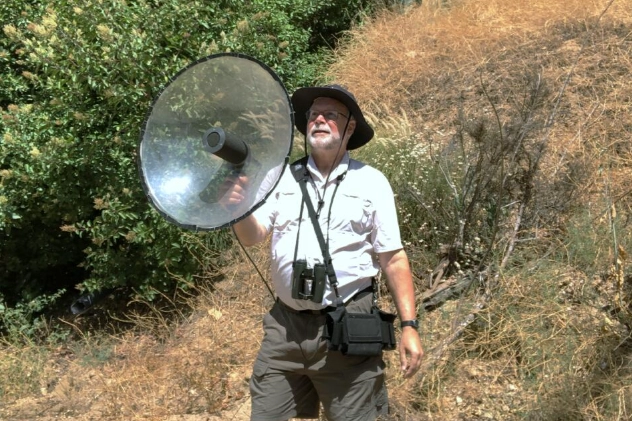
What You Actually Need to Get Started
Let's break down the essentials. Spoiler: it's not much.
1. Your Smartphone (Obviously)
Any relatively modern smartphone (iPhone or Android from the last 4-5 years) has a microphone good enough to start. The real difference comes from software and technique. First, do a quick check: make sure your phone's microphone ports aren't clogged with lint. Give them a gentle brush. Sounds basic, but you'd be surprised.
More importantly, free up space. Audio files, especially high-quality ones, can be larger than you think. A 10-minute recording in a good format can easily be 100+ MB. You don't want to be fumbling with storage warnings while a rare warbler is singing its heart out.
2. The Right App (This is the Game Changer)
This is the single most important step in learning how to record birdsong on your phone. The built-in voice memo app is designed for speech in quiet rooms. It compresses audio aggressively to save space, which kills the delicate details of birdsong. You need an app that records in an uncompressed or lossless format (like WAV or high-bitrate MP3) and gives you manual control.
Here are my top picks, based on months of testing and frustration with clunky interfaces:
- Voice Record Pro (iOS, Free with paid upgrades): My personal favorite for beginners. It's simple but powerful. You can record in WAV format, adjust the gain manually (crucial for loud or soft birds), and even do basic trimming right in the app. The paid upgrade is worth it for the extra features if you get serious.
- RecForge II (Android, Free/Paid): An Android powerhouse. It offers a ton of control over sample rate, bit depth, and format. The interface isn't the prettiest, but it gets the job done professionally.
- Dolby On (iOS & Android, Free): A fantastic free option that works surprisingly well. Its magic is in smart, automatic processing that can clean up background noise and enhance clarity in real-time. It's less manual but can produce great results with zero fuss.
- Rode Rec (iOS & Android, Free): Made by a famous microphone company, this app is sleek and offers excellent manual controls and monitoring. It's a solid, no-nonsense choice.
My advice? Download one or two and play with them in your living room. Record yourself tapping a spoon on a cup, whistling, anything. Get a feel for the settings before you head outside.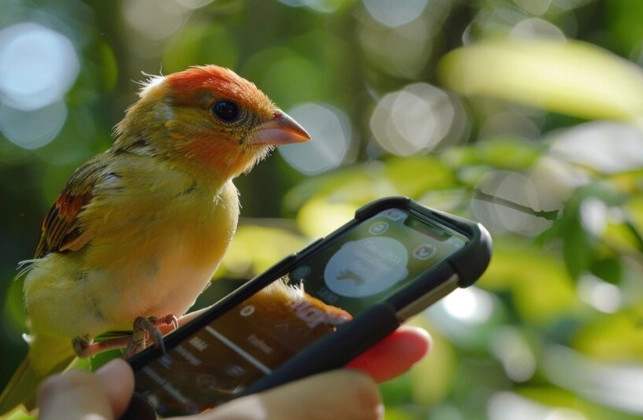
3. Optional (But Highly Recommended) Cheap Gear
You can start with just your phone, but for under $50, you can dramatically improve your results. The phone's main weakness is its omni-directional mics—they pick up sound from everywhere. Your goal is to help them focus.
| Gear Type | What It Does | Approx. Cost | My Take |
|---|---|---|---|
| Deadcat / Wind Muff | Furry cover that slips over your phone. Stops wind noise, which is the #1 killer of outdoor recordings. | $10 - $25 | Non-negotiable for any outdoor recording. The single best investment. Even a light breeze sounds like a hurricane to your phone's mic. |
| Small Shotgun Microphone (e.g., Rode VideoMic Me-L) | Plugs into your phone's lightning/USB-C port. Picks up sound from the direction it's pointed, rejecting noise from the sides and rear. | $40 - $80 | A massive upgrade. Makes your phone behave like a proper directional mic. You'll isolate birdsong from traffic and rustling leaves much better. |
| Simple Smartphone Tripod or Gorillapod | Holds your phone steady on a fence, branch, or the ground. | $15 - $30 | Prevents handling noise (the sound of you touching the phone). Also lets you set up and wait quietly, which birds prefer. |
| Headphones or Earbuds | Plug into your phone to monitor the recording in real-time. | (You probably have these) | Essential. Lets you hear exactly what the mic is picking up. Is the gain too high causing distortion? Is the wind muff working? You'll know instantly. |
See? You don't need a studio setup.
A deadcat and some headphones will take you 80% of the way to great recordings. The shotgun mic is the pro move, but it's not required for day one.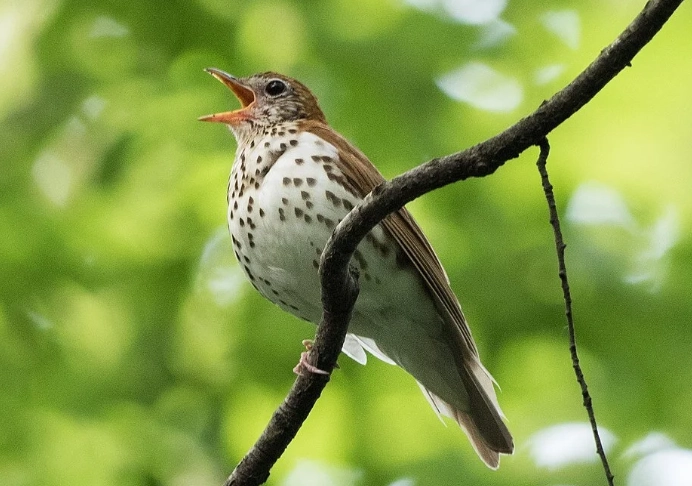
Your Step-by-Step Field Guide: How to Record Birdsong on Your Phone
Alright, you've got your app and maybe a deadcat. It's a calm, beautiful morning. Here's exactly what to do.
Before You Leave: The Pre-Flight Check
- Silence your phone. Put it in Airplane Mode or Do Not Disturb. A notification vibration will ruin your recording.
- Close all other apps. This ensures your recording app gets all the phone's processing power.
- Charge it. Recording, especially with the screen on and headphones plugged in, drains the battery.
- Set your app. Open your recording app and set the format to WAV or the highest quality MP3. Set the sample rate to 44.1kHz or 48kHz (that's CD quality and plenty).
The Hunt: Finding and Approaching Your Subject
Birds are skittish. The key is to become part of the scenery.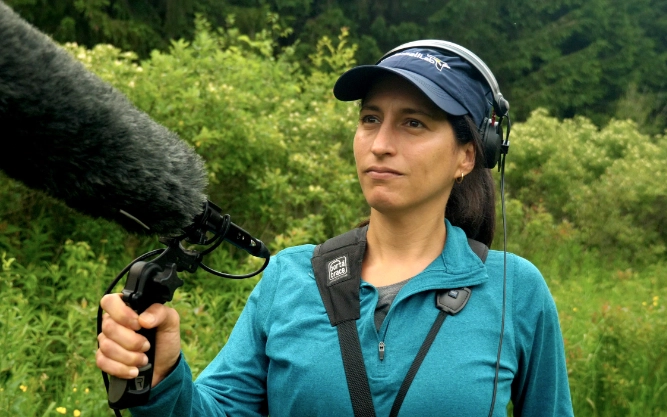
Move slowly and indirectly. Don't walk straight at a singing bird. Meander. Pretend you're looking at flowers. Stop often. Let them get used to your presence.
Listen for a "stationary" singer. The best subject is a bird that's claimed a perch and is singing repeatedly. A bird flitting through dense bushes is nearly impossible to record well.
Use your eyes to find the sound. This takes practice. Tilt your head, cup your ear. Try to pinpoint the exact branch. Once you see it, you can plan your approach and frame the shot, so to speak.
The Recording Moment: Technique is Everything
- Get settled. Find a comfortable spot where you can be still. If you have a tripod, set it up. If not, brace your elbows against your chest or knees to create a human tripod.
- Attach your deadcat. Seriously, do it. Even if there's no wind.
- Plug in your monitoring headphones. You need to hear what you're getting.
- Point your phone. If you have a shotgun mic, point it directly at the bird. If not, point the top edge of your phone (where the mics usually are) toward the sound.
- Set the gain/level manually. This is the secret sauce. In your app, turn off Auto Gain. Start with the gain about halfway. Hit record. Watch the level meters. You want the loudest parts of the bird's song to hit the yellow zone, never the red. Red means distortion, and that's unfixable. If it's only hitting green, nudge the gain up a little. If it's hitting red, turn it down. Adjust until it's perfect.
- Be patient and record for longer than you think. Don't just capture one burst of song. Record for 60-90 seconds. You'll get multiple song cycles, maybe some calls in between, and precious moments of natural background ambience. This gives you options later.
- Stay still and silent. Don't shuffle your feet. Don't whisper "Wow!" to yourself. Breathe quietly through your nose. Become a tree.
That's the core of it. The process of how to record birdsong on your phone is less about tech and more about becoming a stealthy, patient listener.
From Raw Clip to Clean Recording: Basic Editing You Can Do
You're back home with a few recordings. Now what? A little editing makes a huge difference. You don't need a complex program like Audacity (though it's great and free). You can do a lot right on your phone.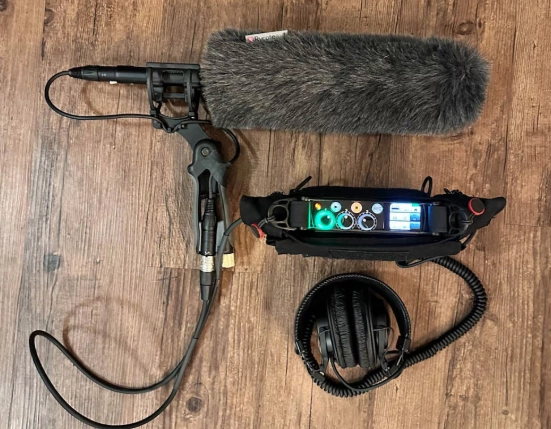
First, listen back with good headphones. Hear that low rumble? That's distant traffic or wind. That sudden spike? A leaf rustling.
Your goals in editing are simple: 1) Trim the ends, 2) Reduce constant noise, 3) Maybe enhance the bird a tiny bit.
Many recording apps have basic trim functions. Cut off the 10 seconds at the start where you were fumbling and the 10 seconds at the end where you coughed. Now you have a clean clip.
For noise reduction, you might need a separate app. On iOS, Ferrite is excellent and not too complicated. On Android, WaveEditor is a good option. The process is usually:
- Find a section of the recording where only the constant background noise is present (a pause between songs).
- Use the app's "Capture Noise Print" or "Learn Noise" function.
- Apply the noise reduction to the entire track, but use a light touch (30-50% reduction). Too much makes the audio sound watery and artificial.
Finally, a very subtle boost to the high frequencies (a "treble" boost) can sometimes make the song stand out more clearly. Again, be gentle.
Answers to the Questions You're Probably Asking
Let's tackle some common roadblocks and curiosities.
What's the best time of day to record birdsong?
The hour after sunrise is the undisputed champion. This is the dawn chorus, when birds are most active and vocal. The air is also often stiller, meaning less wind noise. The hour before sunset is a good runner-up.
My recordings are still quiet even with high gain. What am I doing wrong?
You're probably too far away. Phone mics, even with accessories, have limits. You need to be closer than you think. Use patience and stealth to close the distance, or focus on birds that are naturally confiding, like robins or wrens in a garden.
Is it legal to record and share bird sounds?
On public land for personal use, generally yes. However, you must always follow the ethical rule above: don't disturb the birds. If you plan to use the recordings commercially (in a film, podcast, or sold as a sample), the rules are more complex. For scientific sharing, sites like Xeno-canto are built for that and operate under creative commons licenses. When in doubt, check the specific rules of the platform you're uploading to.
How do I identify the bird I just recorded?
This is the fun part! Upload your clean recording to the free app Merlin Bird ID by Cornell Lab. It has a revolutionary Sound ID feature that listens to your recording and suggests species in real-time. It's scarily accurate. It's the perfect companion to your new recording hobby. You can also describe the song in a search engine (e.g., "slow, descending whistle bird song eastern US") or post it on birding forums for help.
Where can I share my best recordings?
Beyond just showing friends, consider contributing them! eBird allows audio uploads with your checklists. Xeno-canto is a massive, global archive of wildlife sounds where birders and scientists share recordings. Your clear phone recording could help someone across the world identify a bird.
And that's really it.
The journey of learning how to record birdsong on your phone changes how you listen to the world. You start noticing subtleties in songs, the direction of the wind, the quality of silence. It turns a passive walk into an active, engaging safari. It's meditative.
Start simple. Use your phone and a free app. Get a deadcat. Practice in your yard. Be patient with yourself and the birds. The technical part is easy to learn. The art of listening—that's the lifelong, rewarding part.
Now, go be quiet, and listen.
Reader Comments