Your iPhone is a surprisingly powerful tool for capturing the wild symphony of bird songs. I've been recording avian audio for over a decade, and while I own dedicated recorders, my iPhone is often what's in my pocket when a rare warbler decides to sing. The trick isn't just hitting record—it's knowing how to work around the phone's limitations and leverage its strengths to get a clean, usable recording. This guide cuts through the noise and gives you the exact steps, gear recommendations, and fieldcraft you need.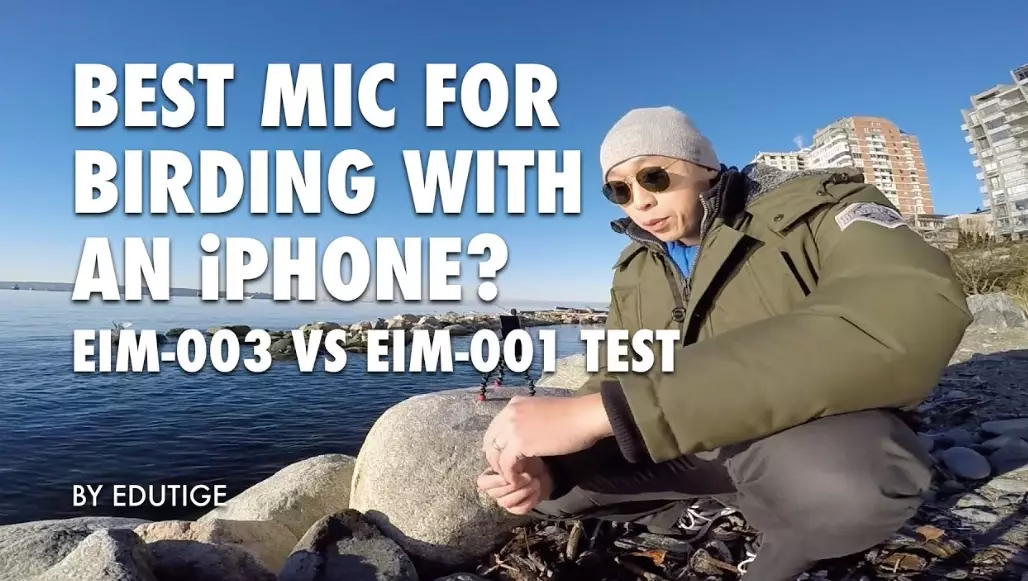
What You'll Learn in This Guide
Essential Gear for iPhone Bird Sound Recording
Let's be honest, the built-in iPhone mic is designed for phone calls, not isolating a Winter Wren's song from a rustling stream. To get serious, you need a few key pieces. You don't need all of them, but each solves a specific problem.
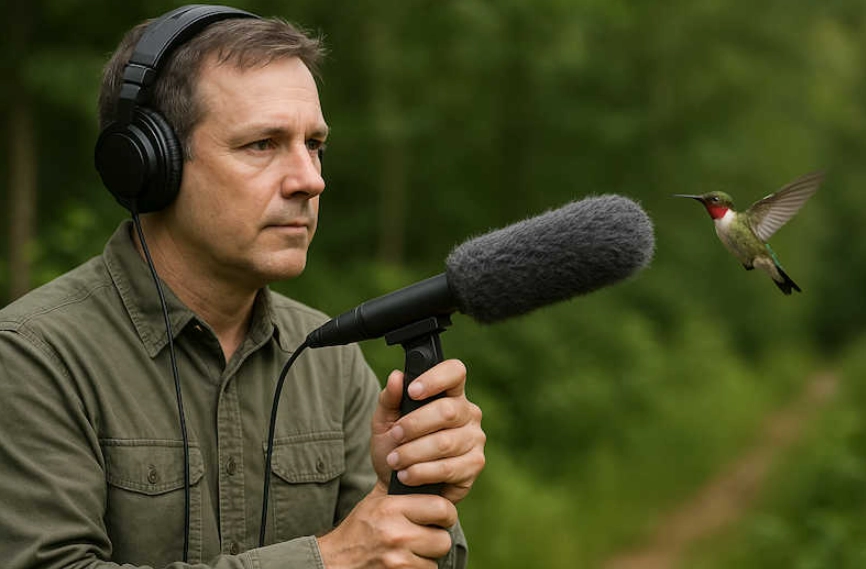
The Non-Negotiable Upgrade: An External Microphone. This is the single biggest improvement you can make. A directional shotgun mic, even a budget one, will reject side noise and focus on the bird. Lavalier mics are great for hands-free, close-range recording. I started with a simple plug-in shotgun mic from RØDE, like the VideoMic Me-L, and it was a game-changer.
The Quiet Companion: A Deadcat Wind Muff. This furry cover is not optional if there's any breeze. Wind noise will ruin your recording faster than anything. Most external mics have a compatible deadcat. If yours doesn't, you can rig a fuzzy sock—seriously, it helps.
The Stability Factor: A Tripod or Monopod. Hand-holding introduces handling noise. A small travel tripod or even a monopod lets you set the phone down and keep the mic pointed steadily. Look for one with a phone mount.
Power for the Long Haul: A Portable Battery Pack. Recording, especially with an external mic and screen on, drains the battery. A small power bank ensures you don't miss the evening chorus because your phone died.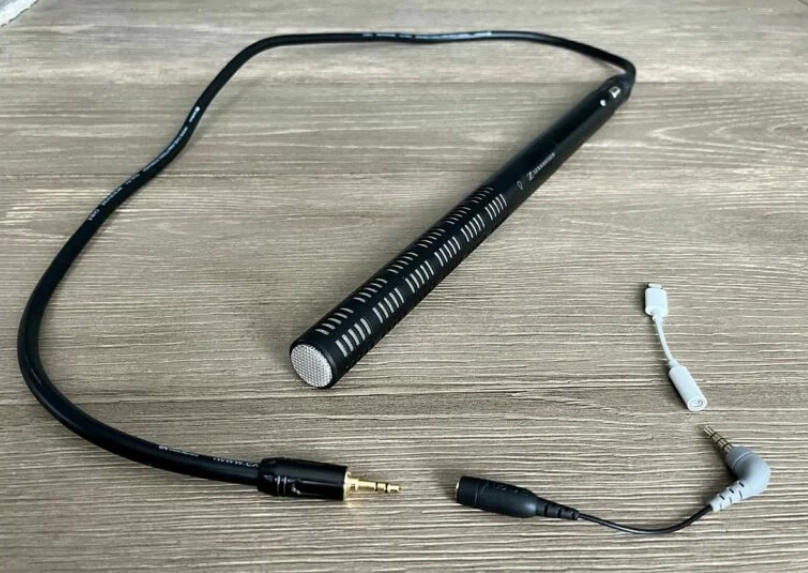
Step-by-Step Guide to Recording Bird Sounds on iPhone
Here’s my exact field routine. It looks like a lot, but after a few tries, it takes 60 seconds.
1. Pre-Trip Preparation
Before you leave, do this. Charge your phone and battery pack. Download your chosen recording app (we'll pick one next) and familiarize yourself with its settings. I set mine to record in WAV format at 48kHz/24-bit for maximum quality. Attach your external mic and deadcat to your phone. Put your phone in Airplane Mode. This prevents calls, notifications, and interference from ruining a perfect take.
2. In the Field: Finding and Setting Up
Move slowly and quietly. Let your ears guide you. When you hear a target bird, don't rush. Find a stable spot, out of the wind if possible. Attach your phone to the tripod. Point the mic (not the phone) toward the sound. If the bird is moving, like a songbird foraging, aim for where it's perching most often.
3. The Recording Session
Open your app. Do a quick level check. You want the waveform to be strong but not hitting the red (clipping). Start recording. Let it roll. Record for longer than you think—background sounds fade when you listen later, and you might capture multiple song types. I usually record in 2-3 minute chunks. Stay still and be patient.
4. Post-Recording: The Critical Step Everyone Skips
Right after you stop recording, use your app to add metadata. Name the file with the species and date (e.g., "AmericanRobin_20231015"). Note the location and any behaviors. If you wait until you get home, you'll forget. This makes organizing a library possible.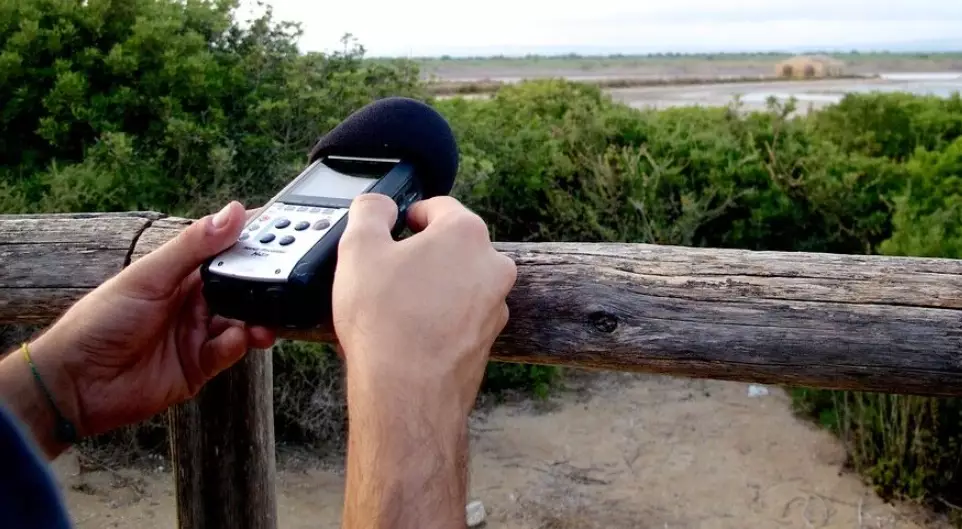
How to Choose the Best iPhone Bird Sound Recording App?
The Voice Memos app is not enough. You need an app that gives you control and saves high-quality files. Here’s a breakdown of the top contenders based on what you want to do.
| App Name | Best For | Key Strength | One Limitation |
|---|---|---|---|
| Merlin Bird ID (by Cornell Lab) | Beginners & Species ID | Record and get real-time bird ID suggestions from sound. Seamlessly links to eBird. | Limited audio editing features. Files are compressed for ID purposes. |
| RØDE Rec | Serious Hobbyists & High Quality | Professional-grade controls, supports external mics perfectly, records in broadcast-quality formats. | Interface can be complex for casual users. Some features require subscription. |
| Voice Record Pro | Versatility & Organization | Incredible file management, multiple format options, easy trimming and basic editing. | Can feel cluttered with options. The free version has ads. |
| Ferrite | Podcasters & Storytellers | Excellent for editing multiple clips, adding narration, and creating a finished audio story. | Overkill if you just want pure field recordings. Steeper learning curve. |
My personal workflow? I use RØDE Rec for 90% of my pure recording because I love the control. If I'm out for a casual walk and want to ID something, I'll fire up Merlin. It's fantastic, but remember, its primary goal is identification, not archival audio quality.
Pro Field Techniques & Wind Noise Solutions
Gear and apps are half the battle. The other half is technique.
Positioning is Everything. Get as close as you ethically can without disturbing the bird. Use natural barriers—stand with a large tree trunk between you and the source of wind or traffic noise. Get the mic off the ground to avoid reflecting sounds.
The Wind Problem. This is the arch-nemesis. Always use your deadcat. If wind persists, position yourself so the bird is upwind of you—the wind will carry the sound to you while the deadcat protects the mic. You can also use your body as a shield. Crouch down and hold the phone close to your chest, with your back to the wind.
Dealing with Background Noise. You can't eliminate it, but you can minimize it. Record in the early morning when bird activity is high and human noise is low. Avoid locations near constant noise sources like highways. Sometimes, you have to accept the background as part of the soundscape. A distant stream can add atmosphere; a leaf blower will ruin it.
How Can I Improve My Bird Sound Recordings?
Beyond the basics, these subtle shifts will elevate your recordings from good to great.
Learn Bird Behavior. Knowing that a bird often sings from a high perch at dawn, or that it has a specific call before it flies, lets you anticipate and be ready. Study the birds in your area. The Birds of the World online database (subscription by Cornell Lab) is an incredible resource for detailed life history information.
Record the Environment, Not Just the Soloist. A 30-second clip of a single bird is nice. A 2-minute recording that starts with dawn silence, includes the first calls of a robin, the distant response of another, some rustling leaves, and then the full song of your target bird tells a story. This is called a "soundscape recording" and is incredibly valuable.
Basic Editing is Your Friend. Don't be afraid to trim your files. Use a free app like Audacity (on desktop) or even the editing in Voice Record Pro to cut out the part where you coughed or a plane flew over. You can also gently normalize the audio (increase the volume) if your recording is too quiet. Avoid heavy noise reduction—it usually makes bird songs sound artificial and tinny.
Build a Library. Organize your files by date, location, and species. That metadata you added in the field? It's gold now. Over time, you'll have a personal collection that documents the changing sounds of your local patch.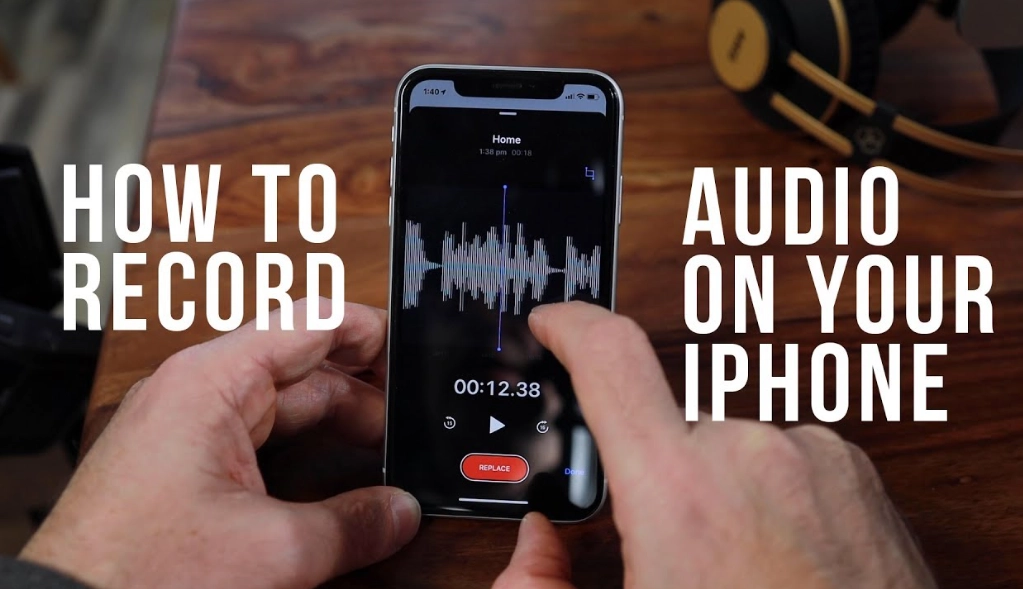
Your Bird Recording Questions Answered
My iPhone recordings always sound distant and muffled, even when the bird is close. What am I doing wrong?
Can I use my AirPods or wireless headphones as a microphone for recording birds?
 How close do I actually need to be to get a good recording?
What's the one piece of gear you wish you'd bought sooner for iPhone bird recording?
Reader Comments